From first connection
to your own flow.
Walk through the concept setup. Explore each step in 3D.
Make some room.
Start with a clear, stable surface. Explore the desk layout and leave room around the stand and cable path. For a real monitor, follow its supplied installation and safety instructions.
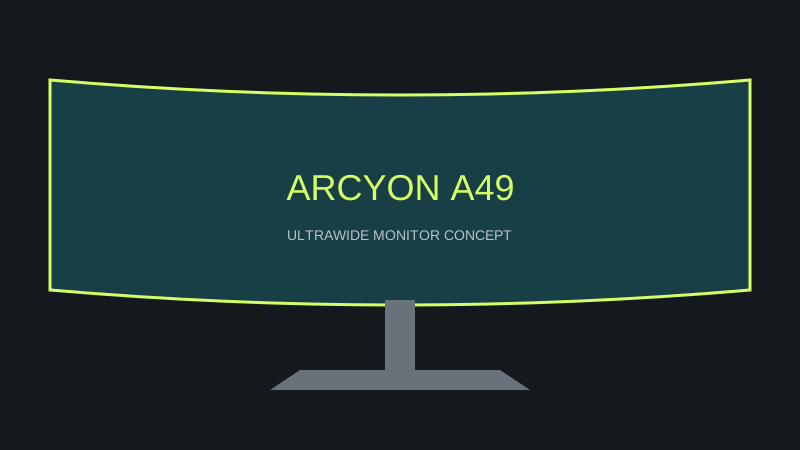
3D unavailable. Explore the product details below.
Connect your world.
In this concept, USB-C and HDMI are alternative display paths. Click the connector control to try the motion. Real cable requirements depend on the device, resolution, refresh rate, and the manufacturer’s instructions.
3D unavailable. Explore the product details below.
Find your angle.
Use the height and tilt controls to explore a comfortable-looking arrangement. The model illustrates motion; it is not a real-world stand adjustment limit.
3D unavailable. Explore the product details below.
Choose your mode.
Switch between a full-screen play scene, a creative canvas, and a three-column workspace. This demonstrates layout possibilities rather than bundled operating-system software.
3D unavailable. Explore the product details below.
0 of 4 steps explored.
Take it at your own pace. Progress stays on this page only.
Need a little clarity? ↗